
What You'll Learn
Students will learn how to create a PLC project using the Studio 5000 platform and gain hands on exposure to RSLogix Studio 5000. The course covers basic logic instructions and their use as well as other commonly used instructions such as timers counters comparison program control and maths. You will also learn how to create a project set up communications and build a working program step by step.
This Course Includes
3.5 hours on-demand video
Access on mobile and TV
36 downloadable resources
Certificate of completion
Description of this Course
This RSLogix Studio 5000 Ladder Logic PLC Training Basic course is for anyone who has used or been exposed to a conventional PLC but has little or no experience with RSLogix Studio 5000 across the four platforms where it is used. It is also suitable for first-time users who have very basic knowledge of PLCs in general. This software and the Rockwell Automation platforms that use it are very powerful and are my PLC software and hardware of choice as they are very user friendly. I will be your instructor during this training and I have many years of practical experience creating projects programming PLCs HMIs commissioning systems and delivering face to face training.
Topics Covered
During this course I will cover the following topics
- An explanation of the different platforms that use Studio 5000
- Creating an RSLogix Studio 5000 project from scratch
- Understanding the scheduling mechanism used by Studio 5000 including Tasks Programs and Routines
- Setting up and navigating the software including toolbar functions and colour scheme preferences
- Understanding program flow using instructions such as JSR MCR and others
- Programming ladder routines using common instructions such as Bits Timers Counters and more
- Creating and managing Tasks Programs and Routines
- Establishing communication between the computer and PLC using RSLinx
This description provides an overview of what you will learn but there is much more covered in the RSLogix Studio 5000 Ladder Logic PLC Training Basic course.
There are quizzes at the end of each section to help reinforce your knowledge and build confidence using the software. The course also includes practical labs with solutions where I demonstrate my approach.
By the end of the course you will feel confident creating and running a project interrogating an existing project and making necessary changes to a running system.
The majority of the course consists of video tutorials where I explain the various aspects of Studio 5000 and demonstrate how to use the software in practice.
The more you use the software the more confident you will become. A follow on course covering advanced Studio 5000 features will then be of real benefit.
If you are serious about learning Studio 5000 using platforms such as ControlLogix CompactLogix or SoftLogix then this course is for you. Enrol now and start learning today.
Who Should Take This Course
- Designed as an introductory course for users with some exposure to PLC ladder programming but little or no experience with Studio 5000
- Strongly recommended for PLC5 or SLC500 users upgrading to ControlLogix or CompactLogix who will be new to Studio 5000
- This is a basic course so experienced Studio 5000 users may find it too introductory
Browse Some of My Other Courses
Self-Paced Udemy Courses
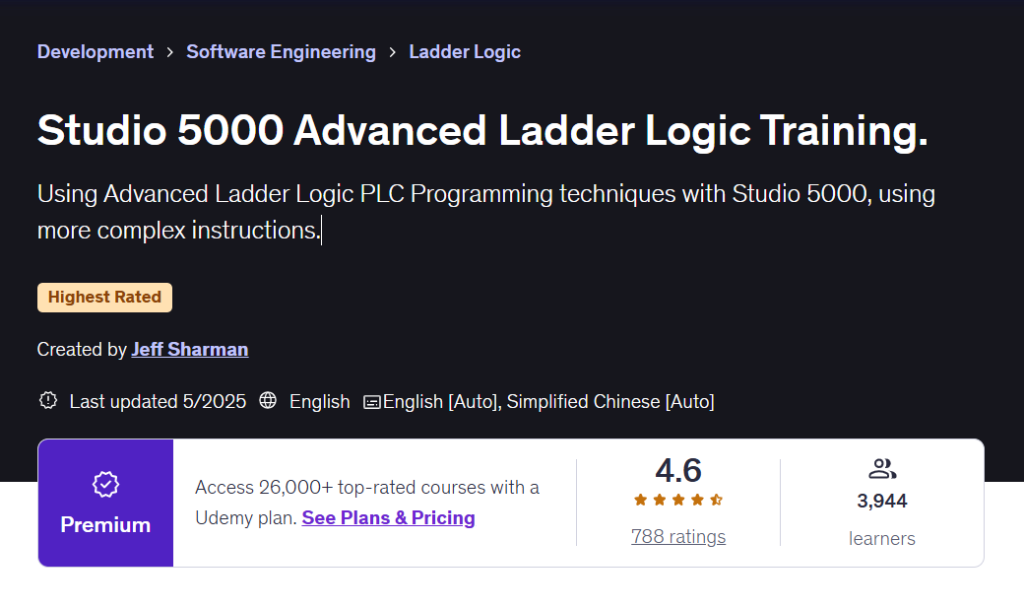
Studio 5000 Advanced Ladder Logic Training
An advanced Studio 5000 course for users with prior experience. Learn advanced ladder logic techniques including messaging bit shifting produced and consumed tags and add-on instructions using real-world Rockwell Automation examples.
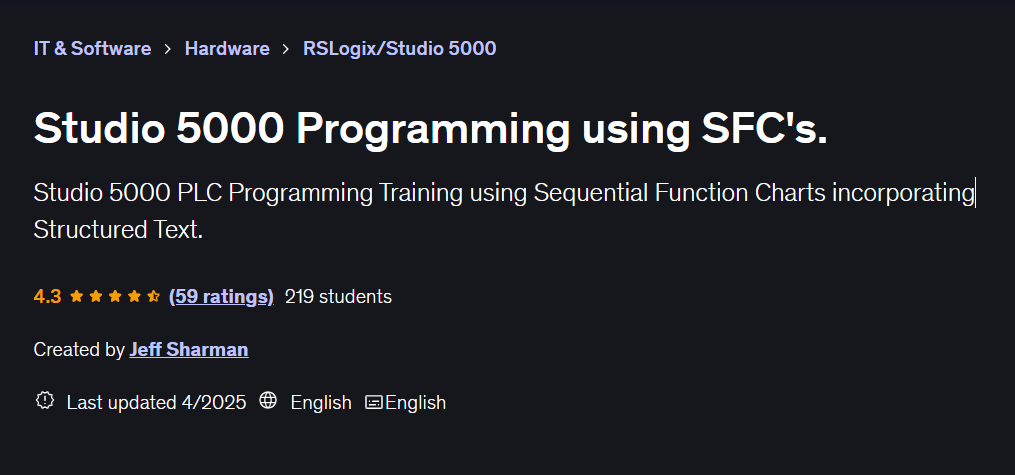
Studio 5000 Programming using SFC’s
Advanced Studio 5000 training using Sequential Function Charts. Learn to design and program SFC based control systems using best practice techniques with practical real world examples.
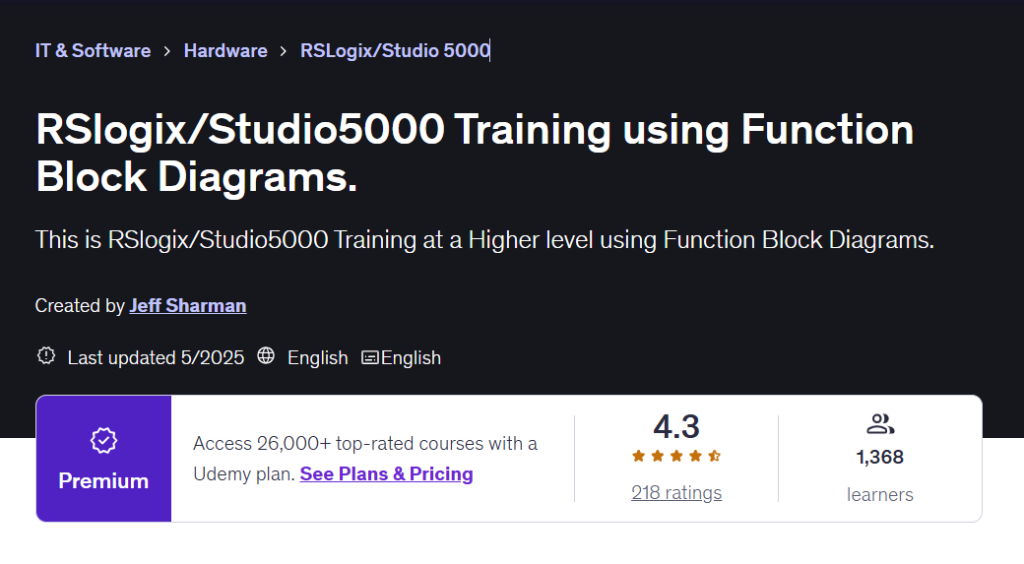
RSlogix/Studio5000 Training using Function Block Diagrams
An advanced Studio 5000 course focused on Function Block Diagrams. Learn logical analog and PID programming using FBDs including timers counters and advanced instructions through practical Rockwell Automation examples.